Custom Productivity Software for Your Teams
Track hours worked, plan your resources and measure the profitability of every project.
Software built around how your teams work
Custom productivity software shows your leadership team what each project actually costs and how much more work your teams can take on. These numbers can be hard to capture accurately with off-the-shelf tools.
Since 2007, our Montréal-based team has designed software around the day-to-day processes of businesses across Quebec, Eastern Canada and the northeastern United States.
What is custom productivity software?
Custom productivity software helps your business measure and improve how it delivers products or services.
It tracks employee time, calculates the actual cost of your products and services, and helps you manage your team’s capacity. The software follows your business rules for project types, hourly rates, approvals and performance metrics.
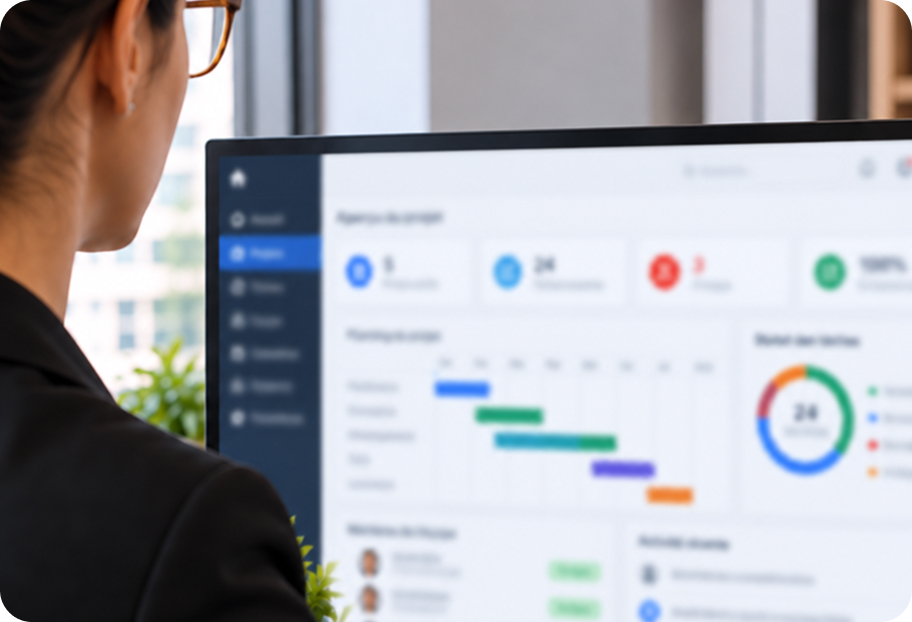
A professional services firm, for example, can use one dashboard to see hours logged by project, profit margins by client and upcoming weeks when its teams are over capacity.

Signs your business needs custom productivity software
As your business grows, the limits of your existing tools become more apparent.
Your off-the-shelf productivity tool can’t accommodate your business rules.
You have no reliable way to see how much work your teams can take on.
Productivity issues surface only when deadlines are already at risk.
Managers rely on judgement calls because reliable data is hard to find.
Leadership struggles to measure profitability by client or service.
Employees work around tracking tools that are cumbersome or poorly suited to their jobs.
Current systems make it hard to automate tracking or add AI features.
Sound familiar? Request a free quote and discuss your needs with a specialist.
Plan capacity and improve project profitability
Software built for your operations gives managers reliable data they can act on.
They can track project progress and team workloads in real time and spot issues before deadlines slip. Accurate data supports capacity planning and profitability analysis, while automation cuts down on repetitive data entry and errors.
Off-the-shelf tools or custom productivity software?
The right choice depends on your workflows, reporting needs and existing systems. In a custom software project, each stage produces a deliverable your teams can review, laying the groundwork for a prototype before development begins.
Criteria | Off-the-shelf work management tool | Custom productivity software |
|---|---|---|
Business rules | Limited to the vendor’s settings | Built around your actual processes |
Reporting and metrics | Standard reports provided by the tool | Metrics based on your costs, rates and goals |
Integrations | Connectors offered by the vendor | Built for your accounting software, CRM or ERP |
Future development | Follows the vendor’s roadmap | Follows your business priorities |
Ownership | Subscription, typically per user | A software asset your business owns |
Productivity software features we develop
We build each tool to address a specific management need, and you can combine several in one platform.
This service focuses on measuring how work gets done. If your priority is to bring all your team’s operations together, explore our custom business management software. A custom ERP can connect sales, purchasing and inventory.
Use time data to simplify repetitive work
The software reflects the way your teams work, and time tracking shows where they lose hours.
During discovery, our business analysts work with your employees to identify steps that take up time without adding value. A few targeted changes, informed by an outside perspective, can make the software easier to use. Once the platform is in place, tracked hours show how much time you’ve saved. To estimate those gains before investing, read our guide to calculating the ROI of custom software.
Want to see where your teams are losing time?
How we develop your productivity software
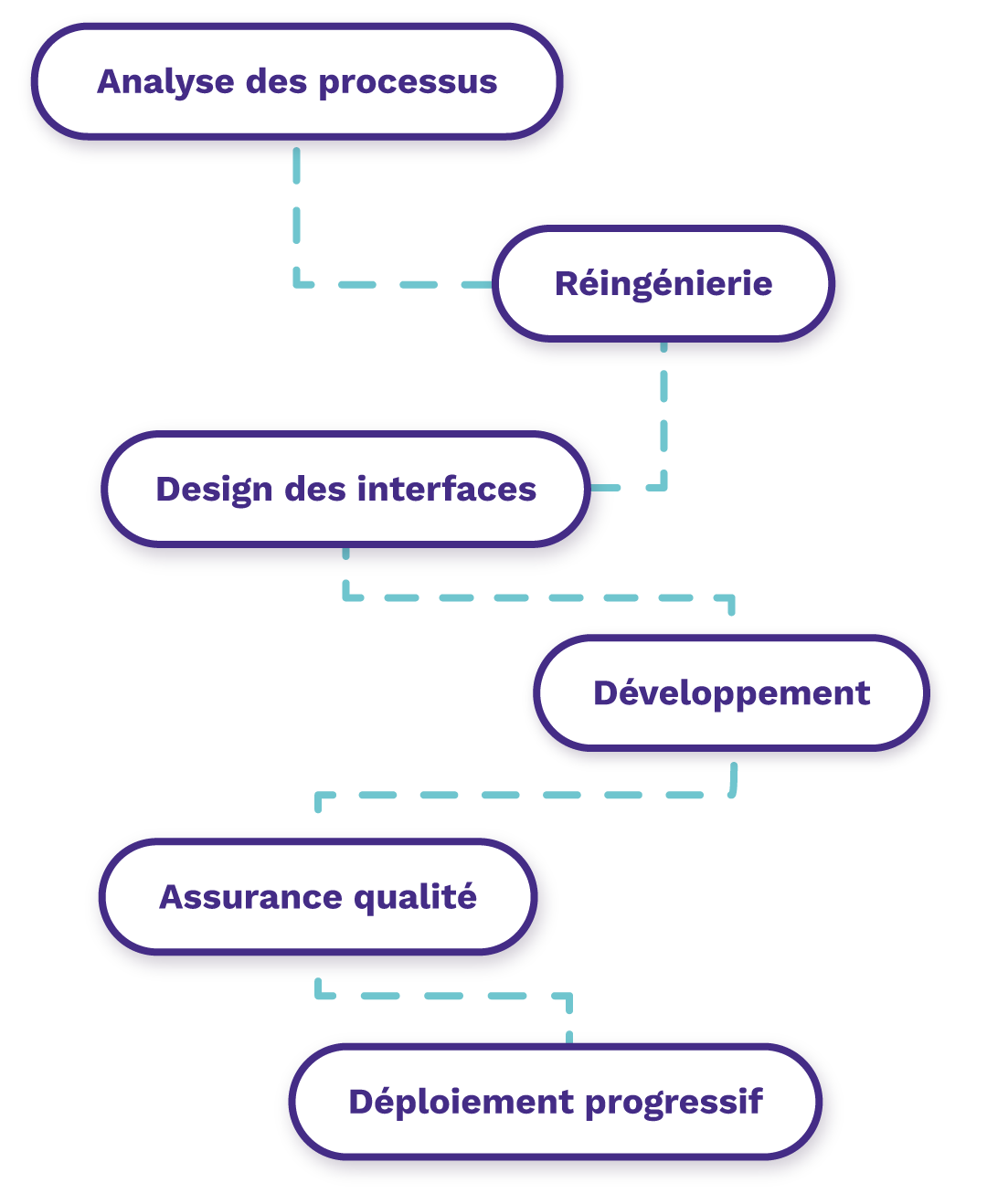
We work in short stages and review the results of each stage with the people who will use the software.
Review existing workflows with the people who use them day to day.
Redesign steps that can be simplified or automated.
Design the interface and test a prototype before development begins.
Develop the software in phases, starting with the most useful features.
Run quality assurance and automated tests with every release.
Roll out the software gradually with the teams that will use it.
Why choose Exolnet for custom productivity software?
Our software engineers and business analysts have been helping businesses improve productivity since 2007. Our in-house team has completed more than 250 projects.
We design each tool with your managers and employees so it fits the way they work and is easier to adopt. We build reliable software for businesses that depend on it to keep their operations running.
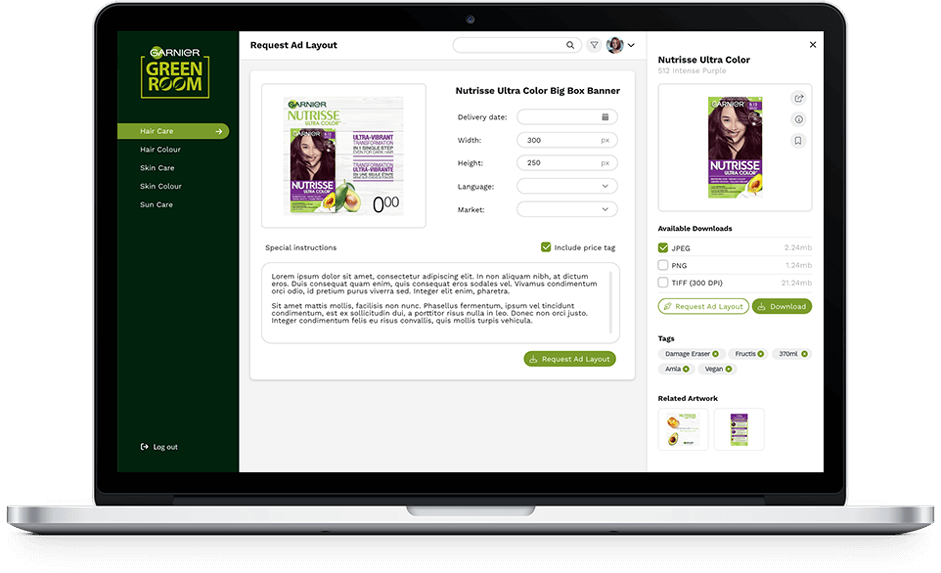
For DuProprio, we built Jarvis, a tool with a dashboard that sorts appraisal requests by status and makes it easier to assign tasks. At Garnier, a promotional materials management portal replaced back-and-forth emails between marketing and design.

Plan and prioritize with reliable data
Custom productivity software gives managers the numbers they need to plan workloads and set priorities. It’s part of our custom software development services, which also include software modernization.
Request a free quote and talk to a specialist about where your teams are losing time and how custom software could help.
Frequently asked questions
How does custom productivity software compare with Monday.com, Asana or ClickUp?
Monday.com, Asana and ClickUp work well for businesses with straightforward processes. Custom productivity software serves organizations that have reached the limits of those platforms. It follows your workflows, tracks the metrics you define and gives you ownership of the software without per-user licence fees.
Can custom productivity software integrate with our existing systems?
Yes. It can integrate with your accounting software, CRM, ERP and the tools you already use. These integrations let you reconcile logged hours with invoiced amounts and actual costs without entering data twice. We review your systems and their technical capabilities during discovery, then prioritize the integrations you need to measure profitability.
Do we need to replace our current productivity tools?
You can roll out the software gradually, keeping tools that still work well and replacing those that limit your ability to track time or plan capacity. We assess each replacement based on the time it can save, the errors it can prevent and the licence fees it can eliminate. Your team can keep using its task management tool while the new platform proves its value.
What happens after the software launches?
We monitor, maintain and improve the software after launch. We collect feedback from users and prioritize new features based on their needs and your business goals. The architecture supports new workflows, users and integrations as your organization grows.
Let’s talk technology!
We’d be more than happy to chat about your technology goals and always enjoy learning about new businesses along the way. Get in touch today!